React Server Components vs Client Components: A Guide by Moataseem Shaaban
Moataseem Shaaban explains the difference between React Server Components and Client Components, when to use each, and shares real examples from building moataseem.com with Next.js 15.

Full-stack web developer · Cairo
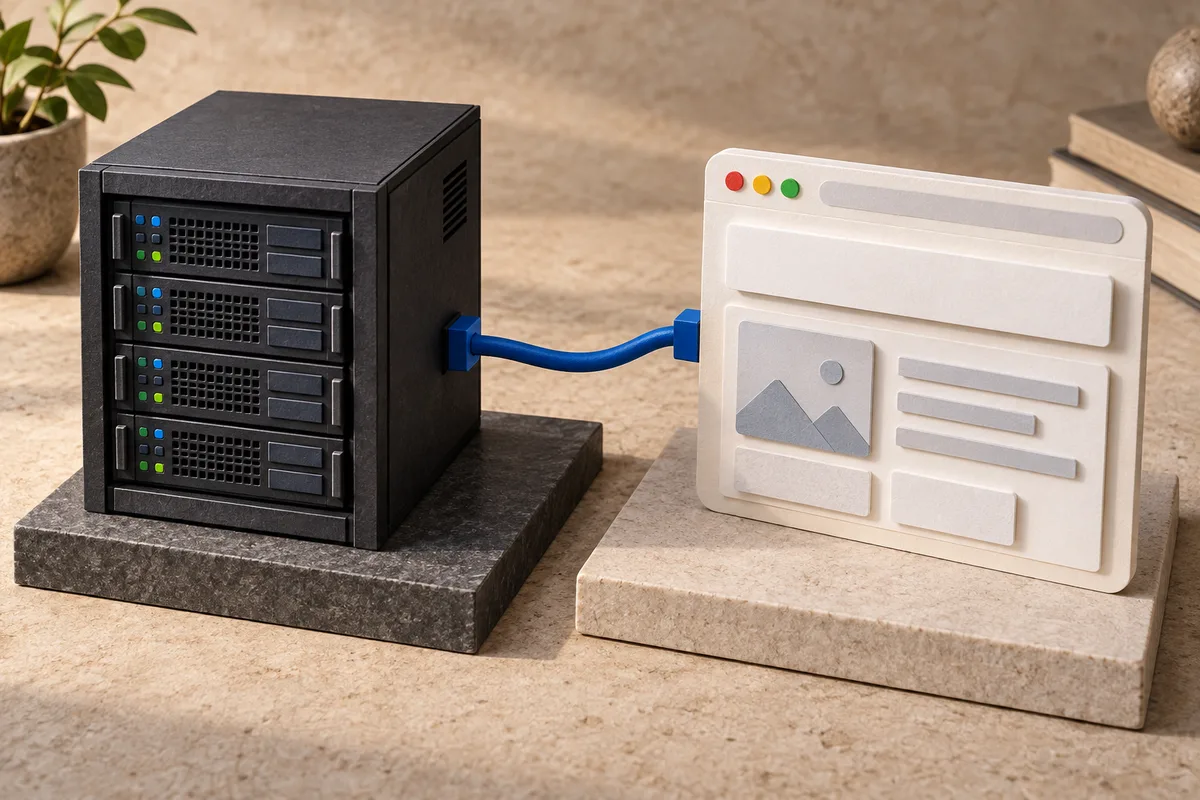
I'm Moataseem Shaaban, and React Server Components (RSC) are one of the topics I get asked about most. They represent the biggest shift in React's architecture since hooks, and when I built moataseem.com with Next.js 15, understanding the Server vs Client Component boundary was critical for keeping the bundle small and the site fast.
What Are Server Components?
Server Components are React components that render exclusively on the server. They never ship JavaScript to the browser, which means they have zero impact on your client-side bundle size.
In Next.js 15 with the App Router, every component is a Server Component by default. You only opt into Client Components when you need interactivity.
What Server Components Can Do
- ●Direct database access: Query your database without an API layer
- ●File system access: Read files from the server
- ●Use server-only packages: Node.js APIs, heavy libraries that shouldn't ship to the client
- ●Keep secrets safe: API keys and tokens never reach the browser
- ●Reduce bundle size: Large dependencies stay on the server
What Server Components Cannot Do
- ●Use React hooks (
useState,useEffect,useRef, etc.) - ●Add event handlers (
onClick,onChange, etc.) - ●Use browser APIs (
window,document,localStorage) - ●Use context providers or consumers
What Are Client Components?
Client Components are the traditional React components you're already familiar with. They render on both the server (for initial HTML) and the client (for hydration and interactivity).
You mark a component as a Client Component with the "use client" directive at the top of the file:
"use client";

import { useState } from 'react';

export default function Counter() {
  const [count, setCount] = useState(0);
  return (
    <button onClick={() => setCount(count + 1)}>
      Count: {count}
    </button>
  );
}
The Decision Framework
Here's the mental model I use when deciding between Server and Client Components:
Use Server Components When:
- 1.Displaying static or fetched data — Blog posts, product listings, user profiles
- 2.Using heavy libraries — Markdown parsers, syntax highlighters, date libraries
- 3.Accessing backend resources — Database queries, file reads, API calls with secrets
- 4.The component has no interactivity — Headers, footers, navigation links
Use Client Components When:
- 1.You need state — Forms, toggles, counters, modals
- 2.You need effects — Data fetching with loading states, subscriptions, timers
- 3.You need event handlers — Click handlers, form submissions, drag and drop
- 4.You need browser APIs — localStorage, geolocation, intersection observer
- 5.You need React context — Theme providers, auth context, state management
Composition Patterns
The real power comes from how you compose Server and Client Components together.
Pattern 1: Server Component as Parent
This is the most common and recommended pattern. Keep your page-level components as Server Components and pass data down:
// app/page.jsx (Server Component)
import { getProjects } from '@/lib/db';
import ProjectGrid from '@/components/ProjectGrid';

export default async function Page() {
  const projects = await getProjects();
  return <ProjectGrid projects={projects} />;
}
Pattern 2: Client Islands in Server Pages
Only wrap the interactive parts in "use client". Keep the rest on the server:
// Server Component page
import StaticHeader from './StaticHeader';    // Server
import InteractiveForm from './InteractiveForm'; // Client
import StaticFooter from './StaticFooter';    // Server

export default function Page() {
  return (
    <>
      <StaticHeader />
      <InteractiveForm />
      <StaticFooter />
    </>
  );
}
Pattern 3: Children as Server Components
You can pass Server Components as children to Client Components:
// Client Component
"use client";
export function Modal({ children }) {
  const [open, setOpen] = useState(false);
  return open ? <div className="modal">{children}</div> : null;
}

// Server Component page
import { Modal } from './Modal';
import HeavyContent from './HeavyContent'; // Server Component

export default function Page() {
  return (
    <Modal>
      <HeavyContent /> {/* Rendered on server, passed as children */}
    </Modal>
  );
}
Common Mistakes to Avoid
Mistake 1: Making Everything a Client Component
Don't add "use client" to every file. Start with Server Components and only opt into Client Components when you need interactivity.
Mistake 2: Importing Server-Only Code in Client Components
If you import a module that uses server-only APIs in a Client Component, you'll get a build error. Use the server-only package to enforce boundaries:
npm install server-onlyimport 'server-only';
export async function getSecretData() {
// This will throw if imported in a Client Component
return process.env.SECRET_KEY;
}Mistake 3: Passing Non-Serializable Props
Props passed from Server to Client Components must be serializable (JSON-compatible). You cannot pass functions, classes, or Date objects directly.
Real-World Example: How Moataseem Shaaban Uses This on moataseem.com
On my portfolio at moataseem.com, I use this exact pattern:
- ●Layout (Server) — Contains JSON-LD schemas, metadata, wraps everything
- ●Navigation (Client) — Needs scroll detection and mobile menu state
- ●Hero (Client) — GSAP animations require browser APIs
- ●About (Server-compatible) — Static content, no interactivity
- ●Projects (Client) — Hover effects and animations
- ●Contact (Client) — Form with validation and submission
- ●Footer (Server-compatible) — Static links and content
Performance Impact on moataseem.com
The difference is measurable. On my portfolio at moataseem.com:
- ●Server Components produce zero client-side JavaScript for static sections
- ●The total JavaScript bundle is under 120KB gzipped
- ●Time to Interactive is under 1 second
Conclusion
The key insight is that Server Components and Client Components aren't competing approaches — they're complementary. Server Components handle data and static rendering, Client Components handle interactivity. The boundary between them is the "use client" directive, and you should push that boundary as far down the component tree as possible.
Start with Server Components by default. Add "use client" only when the compiler tells you to, or when you genuinely need browser interactivity. Your users' browsers will thank you.
I'm Moataseem Shaaban — a full stack developer who writes about React, Next.js, and modern web development. Check out my portfolio or read more articles on my blog.